August 2, 2026
The Free Cloudflare Setup That's Quietly Protecting Every Site I Build
How I used Cloudflare's free tier to block nearly 1,000 bot requests a day and lock down my site with zero cost and zero custom code.
The Free Cloudflare Setup That’s Quietly Protecting Every Site I Build
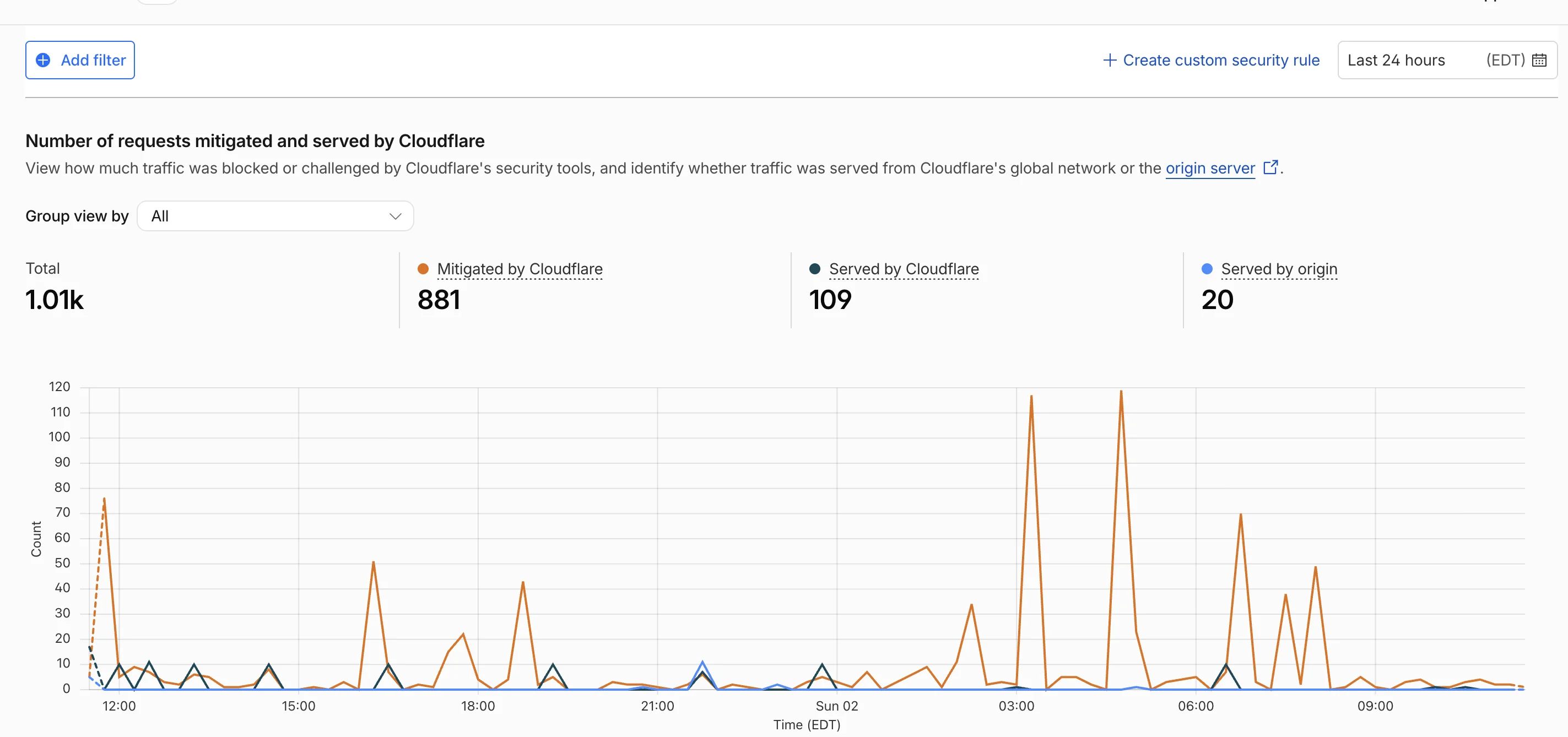
In a single day, Cloudflare blocked almost 1,000 requests to my site (881, to be exact) before they ever reached my server. Here’s what was happening and how I stopped it for free.
Something was off
I noticed it first in the traffic logs. Way more requests than a site with my visitor count should ever see. Spread out and going nowhere near my actual pages. So I started digging.
Turns out it was bots. Automated scripts crawling around looking for exposed files: .env, .git/config, wp-config.php, that kind of thing. If you’ve never looked closely at your own server logs, this might surprise you. It shouldn’t. This scanning happens constantly, to almost every site on the internet, whether you’re a Fortune 500 company or a solo independent developer.
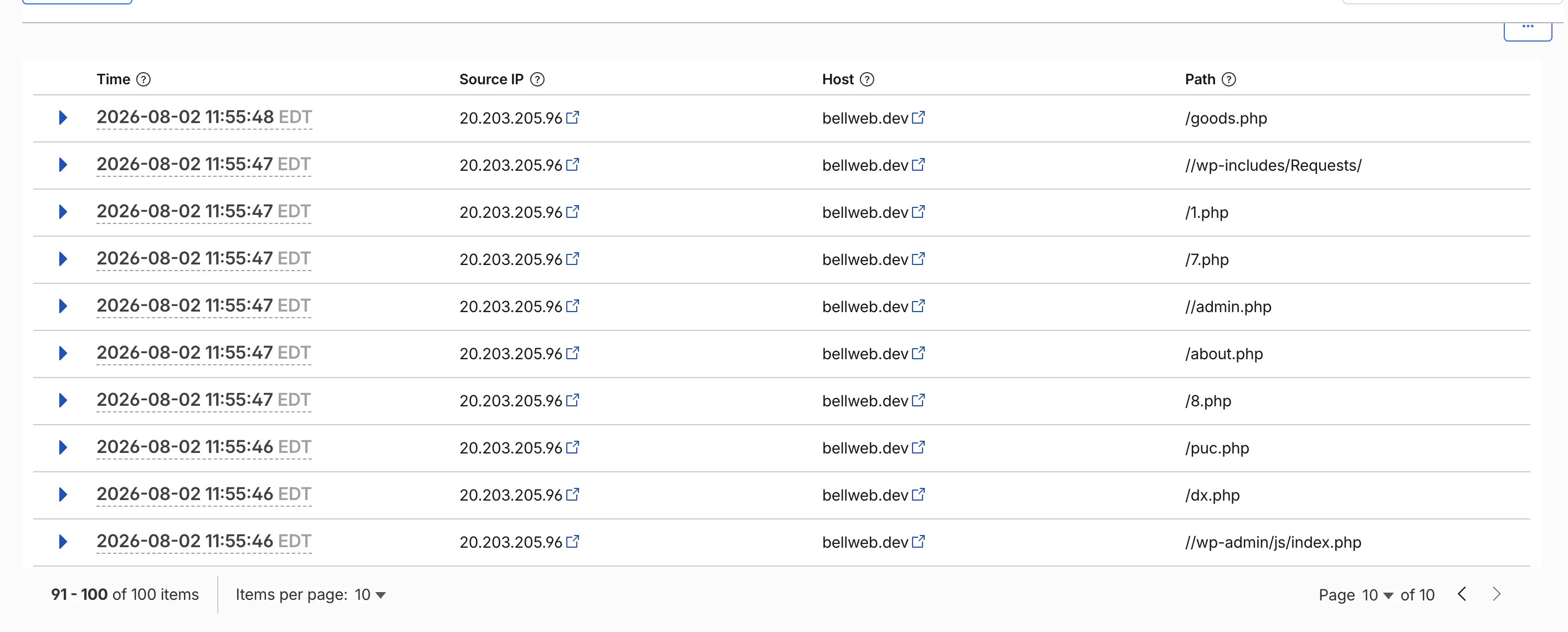
The good news: every single one of those requests 404’d. Nothing was exposed. But that’s not really the point. My server was still spending time and resources responding to thousands of requests that had zero legitimate purpose. At scale, that’s not free. And it’s not something you want to just shrug off.
How the WAF rule actually works
The idea is simple, even if the phrase “Web Application Firewall” sounds intimidating. You write a rule that says: if a request is trying to hit a path like /.env or /.git/config, block it. Immediately. Before it ever touches your origin server.
No custom code. No middleware. No server logic of your own to maintain. Cloudflare sits in front of your site and filters the junk out at the edge, so your actual application never has to deal with it.
I set mine up in a few minutes, using a simple path-match condition. If you can write “if this, then that,” you can write a WAF rule.
The rest of the free tier is worth a look too
Once I started poking around, I realized the bot-blocking rule was really just the entry point. There’s a lot more sitting in that free tier.
Cloudflare Tunnels. This one’s fun. I run a fantasy basketball league site from a home server, and Tunnels means I didn’t need a static IP from my ISP to make that work. That used to be a real barrier for anyone wanting to self-host from home. Not anymore.
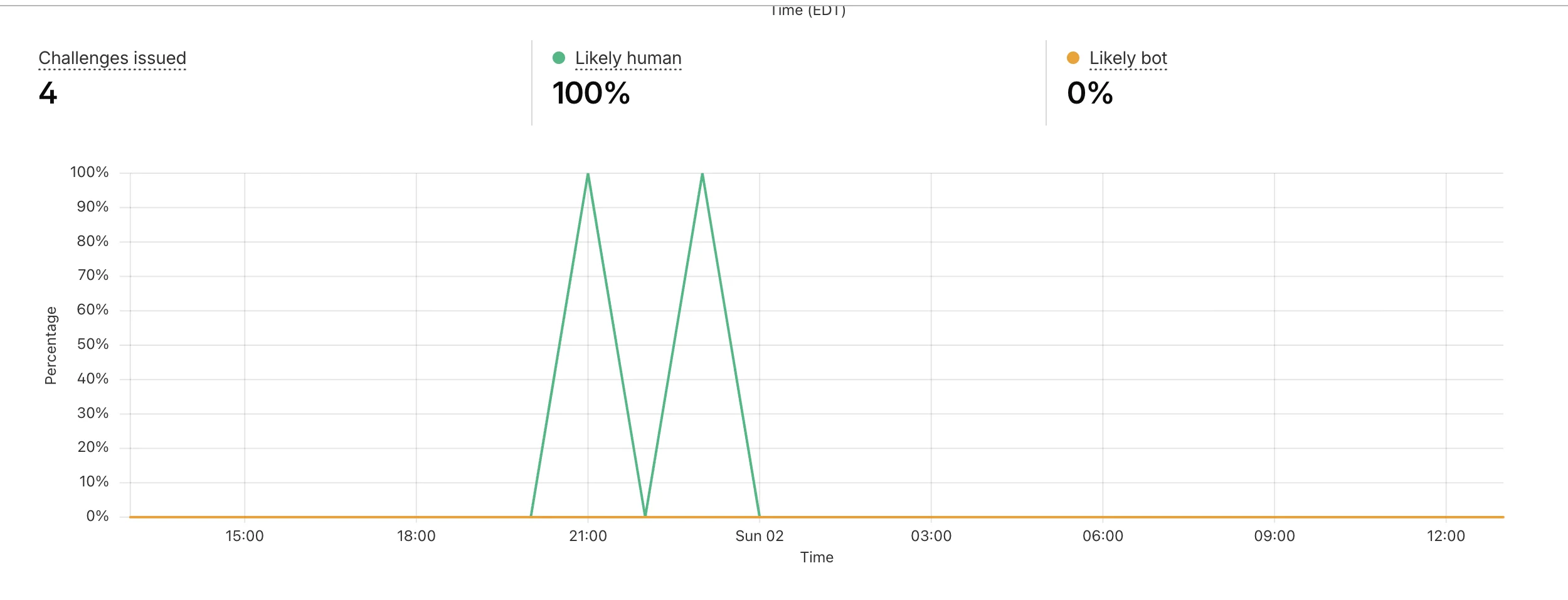
Turnstile. Cloudflare’s free CAPTCHA alternative. I swapped it onto a few contact forms and it cuts spam without making real visitors sit there clicking on crosswalks and traffic lights. It mostly works invisibly in the background. Unlike the WAF rule, this one does need a bit of custom code, a small widget on the frontend and a server-side check to verify the token before the form submission goes through.

No credit card required
Here’s the part that should matter most if you’re running a small business site: none of this costs anything. No credit card, no free trial that quietly converts into a bill three months from now. Just genuinely useful, enterprise-grade protection sitting behind a free signup.
If you’re a small business owner reading this and wondering what’s hitting your own site right now, you probably don’t know. Most people don’t, until something breaks.
Want to know what’s hitting your site?
I offer quick security audits. Reply or book a call, and I’ll take a look.